Automatically recover negative provider GGR through personalized recommendations.
Provider GGR Balancer helps operators react faster when a provider moves into negative monthly GGR. Instead of waiting for the team to notice and manually adjust the lobby, ZingBrain AI can automatically increase visibility for that provider's games inside personalized recommendations, while keeping the experience relevant for players.
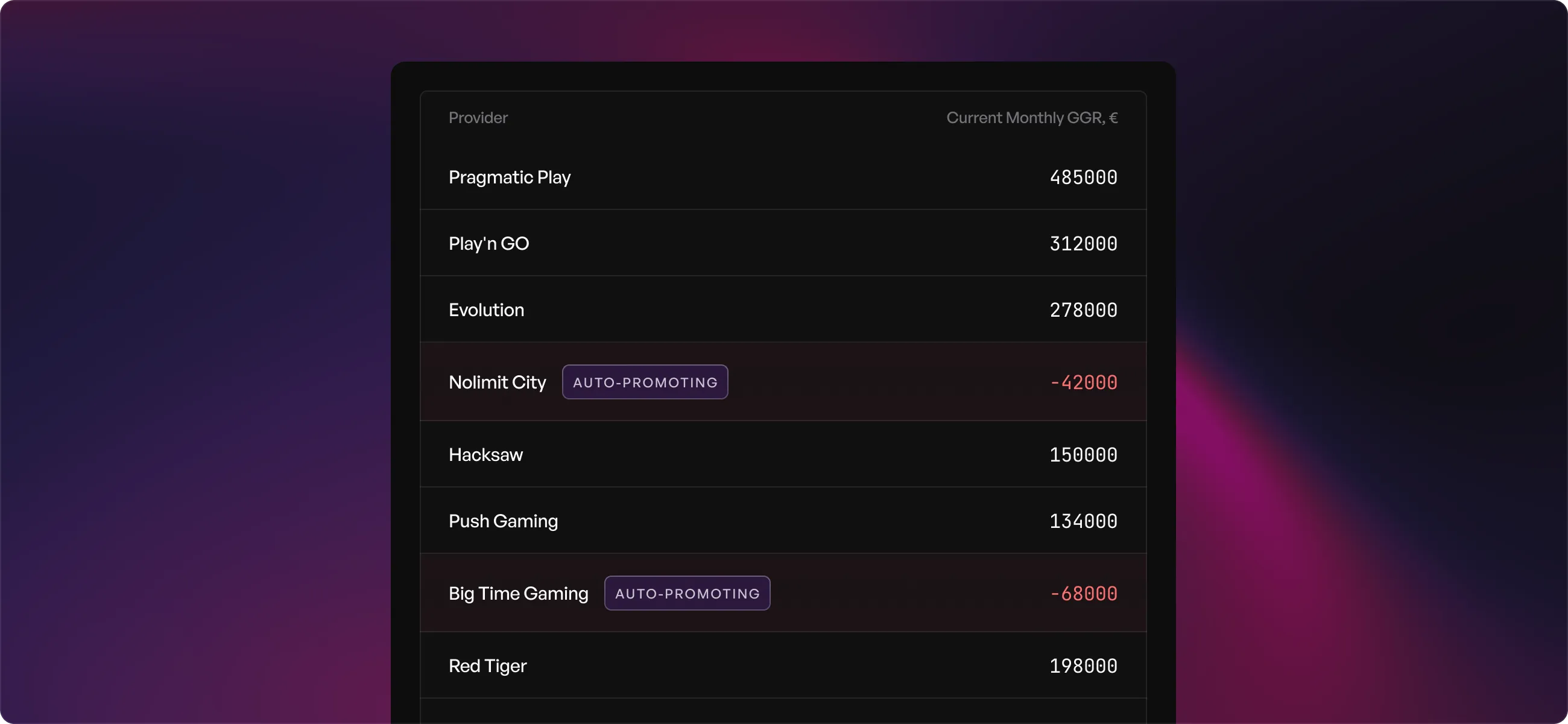
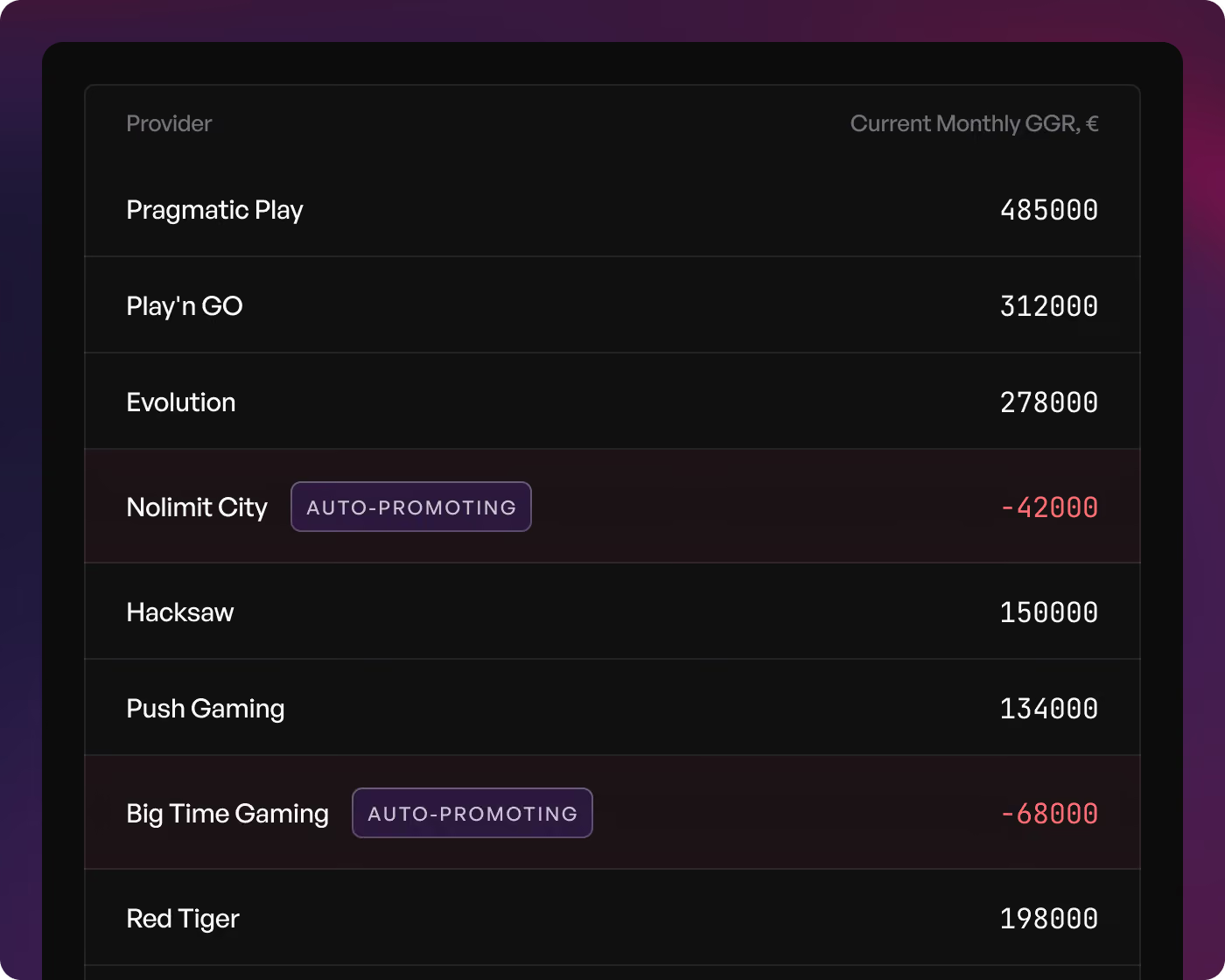





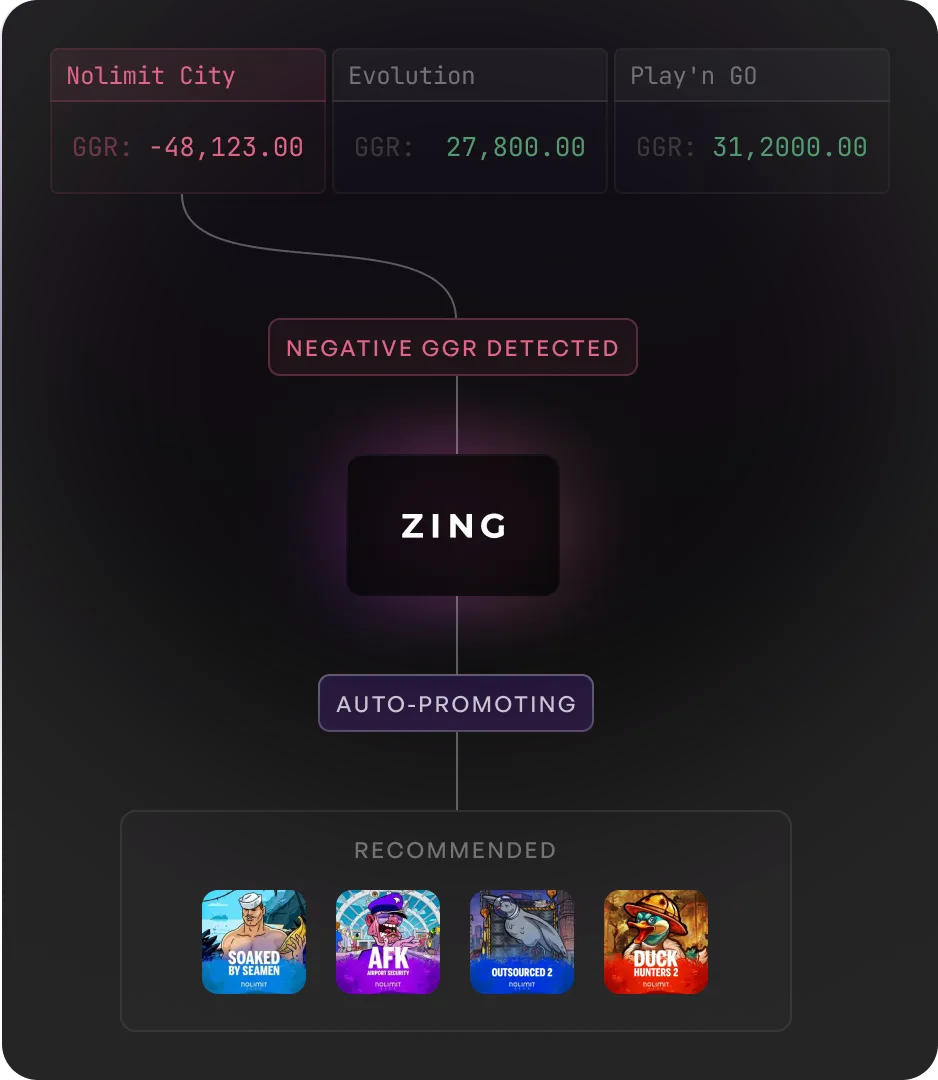
When a provider moves into negative GGR, ZingBrain AI can automatically give more visibility to that provider's games for relevant players.
The goal is to shift traffic where it can improve provider-level GGR without hurting the player experience.
A few high-win sessions or short-term volatility can move a provider into negative territory.
If the team reacts too late, this creates pressure on monthly results. Manual fixes are slow: someone needs to spot the issue, choose what to promote, update the lobby, and monitor the effect.
ZingBrain AI monitors provider GGR and adjusts recommendations automatically.

ZingBrain AI tracks monthly GGR for each provider at the brand level and flags providers that move into negative territory.
When a provider moves into negative GGR, the system identifies it as a recovery case and prepares to adjust recommendations accordingly.
The provider's games receive more visibility inside personalized recommendations for relevant players, helping shift traffic to improve provider GGR.
Casino teams can review, adjust, or override the automation in the Backoffice at any time, maintaining full control over recovery decisions.
Provider GGR Balancer adds automation to game and provider prioritization.
Provider & Game Prioritization gives teams manual control over game and provider visibility.
Provider GGR Balancer adds automation on top: when a provider needs GGR recovery, ZingBrain AI increases visibility for that provider's games inside personalized recommendations.
Teams react faster, avoid manual campaign setup, and keep full control in the Backoffice.
Five ways teams use GGR Balancer
From monthly GGR recovery to automated provider support, the most common ways teams use Provider GGR Balancer inside recommendations.

Support providers that move into negative GGR before month-end and help bring them back toward a healthier position.

Increase visibility for providers that need recovery without building static promo sections or manual campaigns.

Reduce constant monitoring, manual checks, and last-minute lobby changes for casino teams.

React faster to short-term swings caused by high-win sessions or unstable provider performance.

Use automatic recovery logic while keeping the ability to review and override decisions in the Backoffice.
From manual provider control to automated GGR balancing
Automated recovery for providers
Provider GGR Balancer helps operators react to provider-level GGR changes faster. It does not replace casino team control. It adds an automatic recovery layer inside personalized recommendations, keeping provider GGR healthier and the player experience relevant. Teams can review or override any automated decision in the Backoffice, maintaining full control over how recovery logic is applied.